Architecture
Your browser connects.
Your computer runs the tools.
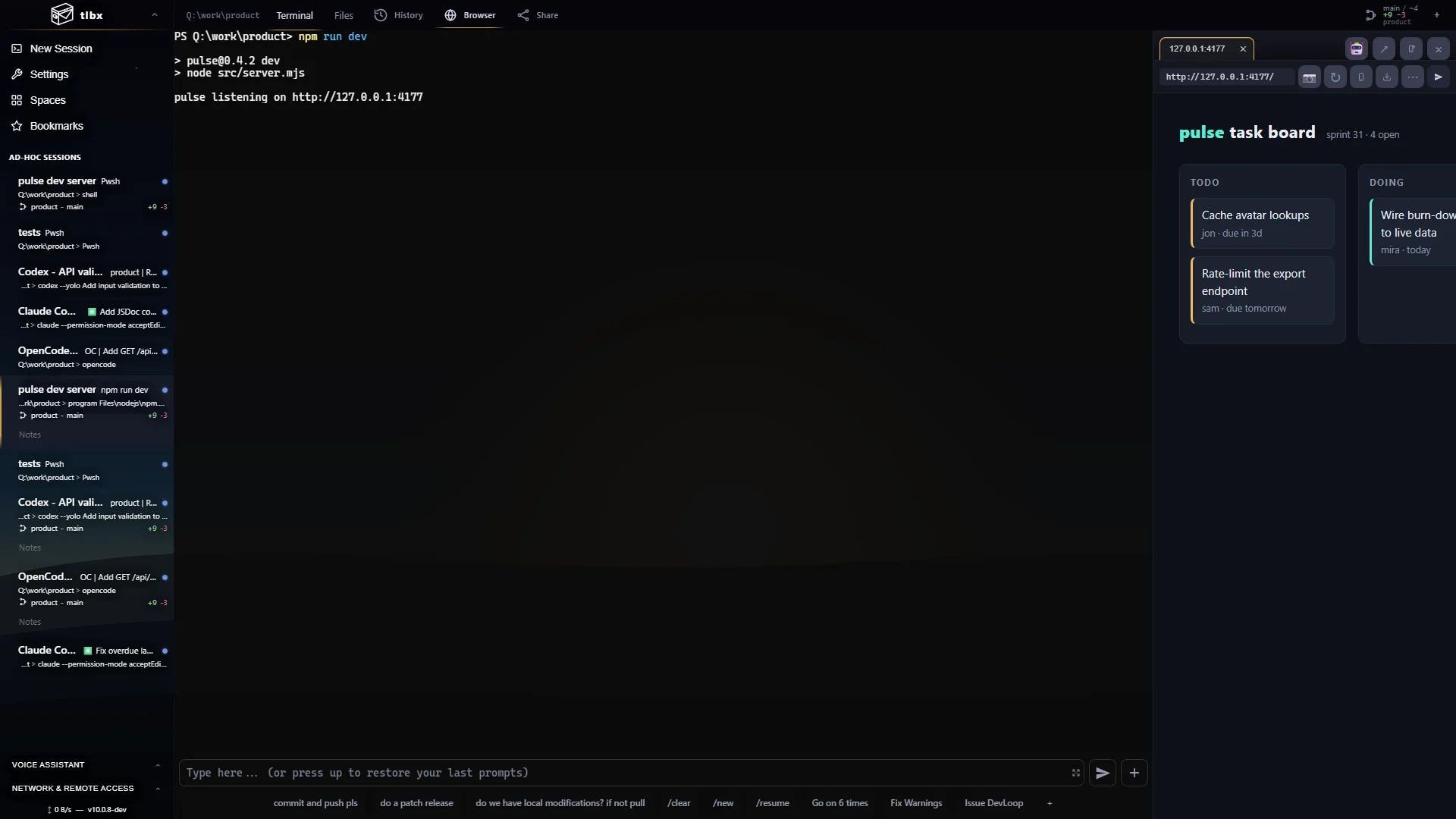
Shells, coding agents and dev servers run on the tlbx host. Your browser displays their output and sends your input. Closing the browser leaves those processes running.
Client
Displays terminals, files and app previews, and sends your input. Built with TypeScript and xterm.js.
Web server
Handles sign-in, sessions, uploads, Git status, app previews and APIs over HTTPS and WebSockets. Compiled with .NET Native AOT.
Process hosts
mthost runs terminals separately from the web server, so web-only updates keep their processes alive. mtagenthost runs Agent Controller sessions.
How the two session types work
mthost runs terminal sessions in native pseudoterminals (PTYs). mtagenthost connects to supported agents through their structured protocols. The browser shows either a terminal or a conversation with tools, code changes and approvals. Both share files, Git views, app previews and access controls.
Existing installs update in place
Older MidTerm installations update to tlbx while retaining their settings and data. Compatible executable and release-file names remain available. Updates are discovered through get.tlbx.ai.
Agents can use the workspace
The mt commands and APIs let agents read Git status, send prompts, inspect terminal output and test pages in the Dev Browser. Agents can publish progress and request input so other sessions can follow their work.